Control Panel for Home Assistant | Logitech MK240 style
Files
Printables Thingiverse MakerWorld Creality Cloud yaml
Description
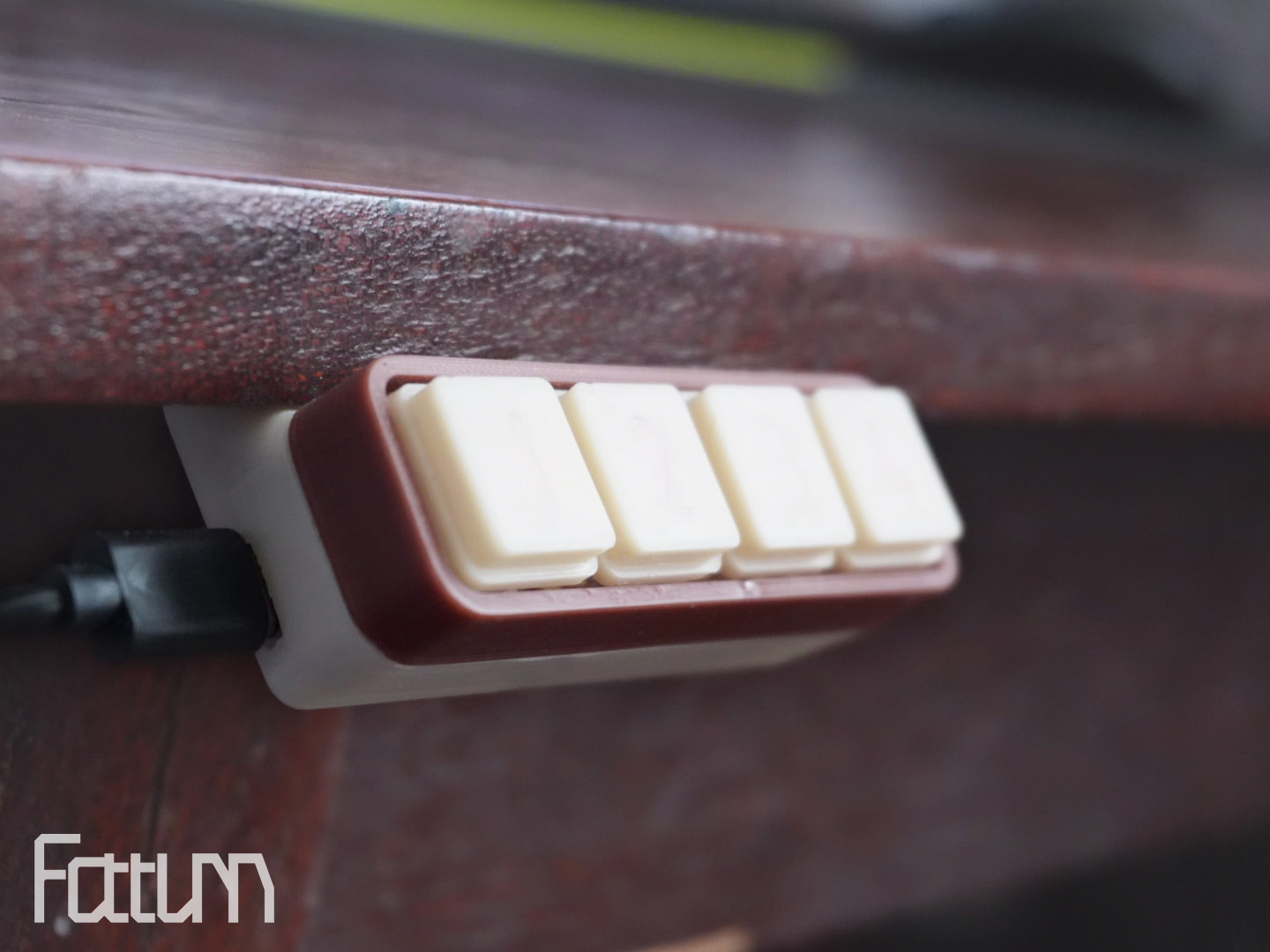
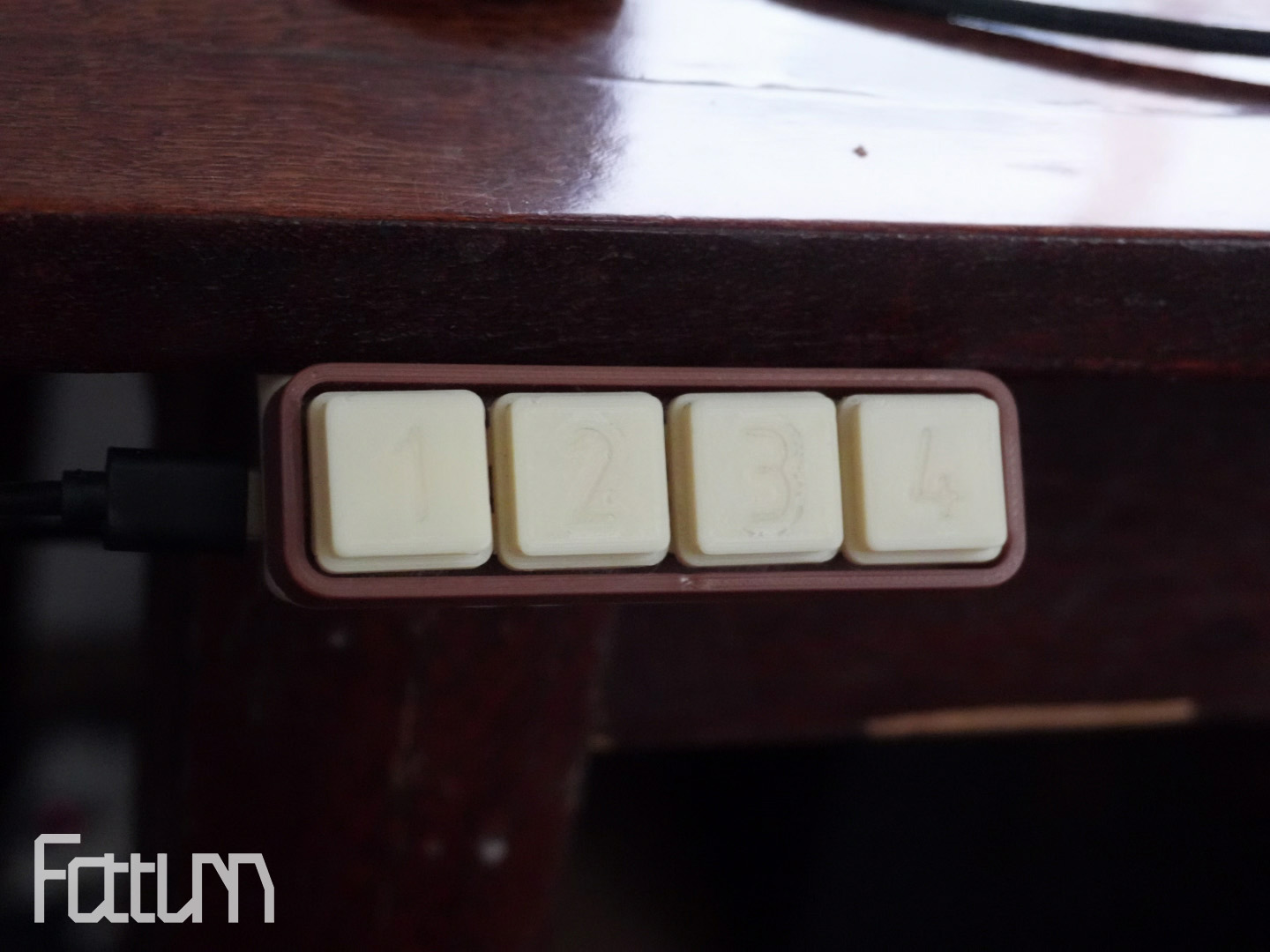
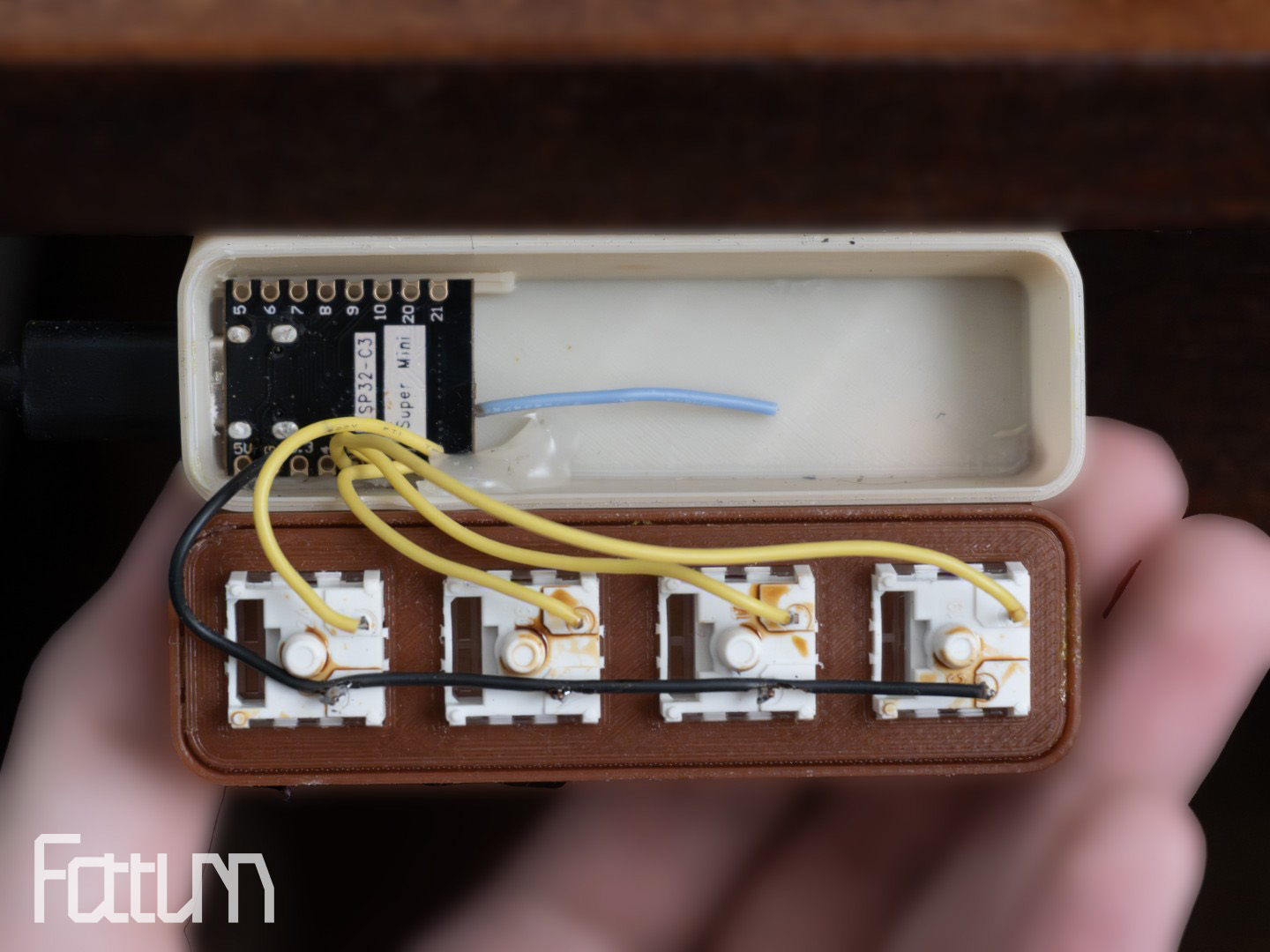
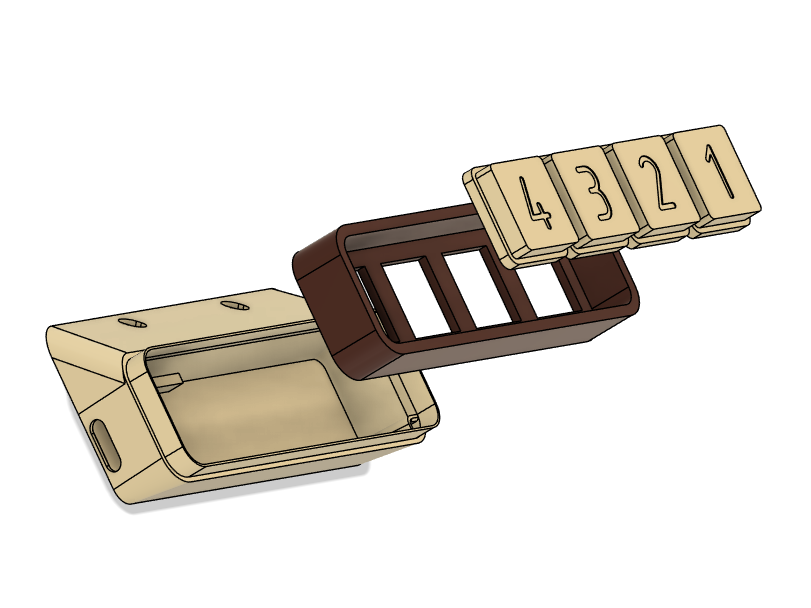
This is a control panel running the esphome firmware for quickly controlling devices in Home Assistant. The design is inspired by the Logitech MK240 keyboard.
- 4 buttons and 16 programming options (single click, double click, triple click, long press)
- Bluetooth proxy allowing to extend the Bluetooth range
- BLE Tracker allowing to track Bluetooth Low Energy devices
Components
| Image | Component | Link | Qty | Note |
|---|---|---|---|---|
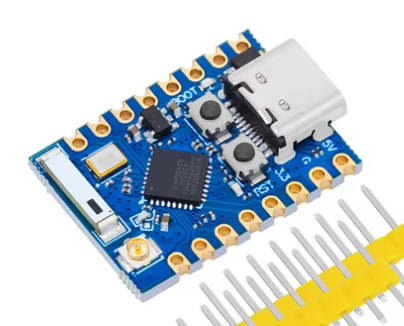 |
ESP32C3 PRO MINI | Aliexpress | 1 | |
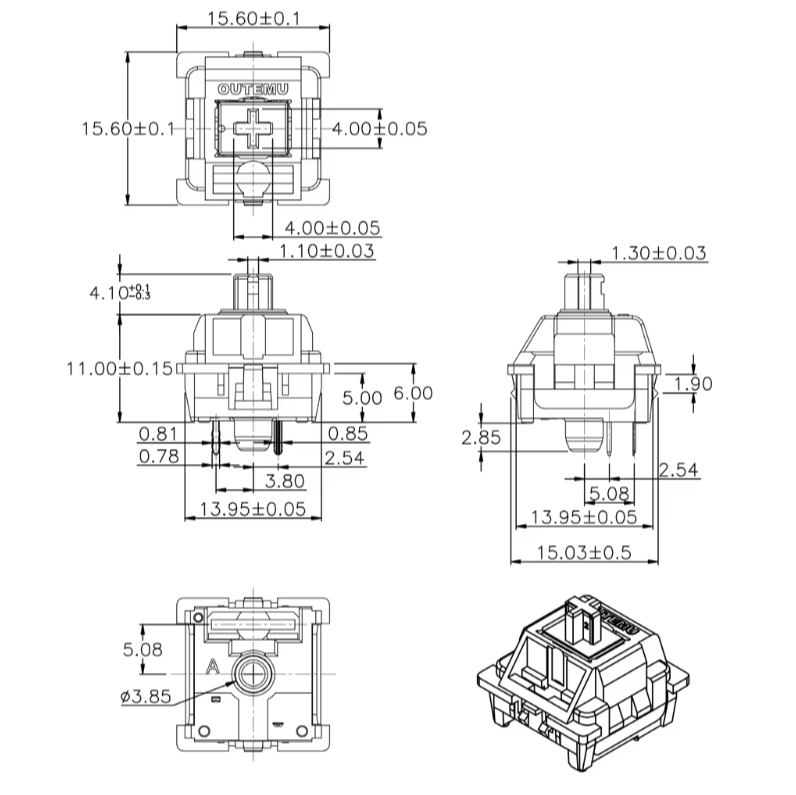 |
KEYBOARD SWITCH | Aliexpress | 4 |
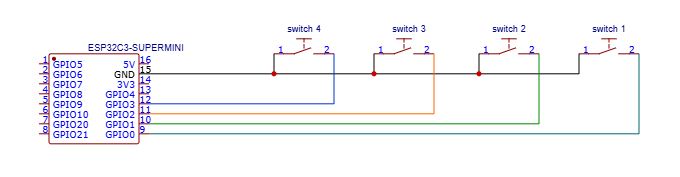
Schematic
Firmware Installation
You can use the button below to install the pre-compiled firmware directly to your device via USB from your browser, or download the configuration file and install the firmware another way
Web Installer
- Connect the ESP to a USB port. You may need to press and hold the boot button while simultaneously pressing the reset button.
- Click "Connect" and select the correct COM port.
- Wait about 2 minutes for the firmware to install.
- After installation, you can configure Wi-Fi.
Automation Example
description: ""
mode: single
triggers:
  - trigger: state
    entity_id:
      - sensor.control_pad_1
    to:
      - single
    id: 1 single
  - trigger: state
    entity_id:
      - sensor.control_pad_1
    to:
      - double
    id: 1 double
  - trigger: state
    entity_id:
      - sensor.control_pad_1
    to:
      - triple
    id: 1 triple
  - trigger: state
    entity_id:
      - sensor.control_pad_1
    to:
      - hold
    id: 1 hold
conditions: []
actions:
  - choose:
      - conditions:
          - condition: trigger
            id:
              - 1 single
        sequence: []
      - conditions:
          - condition: trigger
            id:
              - 1 double
        sequence: []
      - conditions:
          - condition: trigger
            id:
              - 1 triple
        sequence: []
      - conditions:
          - condition: trigger
            id:
              - 1 hold
        sequence: []
Comments